Last Updated: October 25, 2026
Quick Summary
A restaurant pest control compliance file needs a pest sighting log, device check log, corrective action log, and pest control service reports, plus chemical application and staff training records. Keep records current and organized so any document can be produced on request during an inspection.
- Separate logs by purpose: pest sightings, device checks, and corrective actions, so inspectors can audit each quickly.
- Each log entry should capture date, specific location, evidence, suspected pest, action taken, follow-up result, and initials.
- Daily checks cover receiving and trash areas; weekly checks cover bait stations, traps, and exterior entry points.
- Read the service report the day it arrives and log follow-up actions in your own records.
- Two years is a common retention floor, but follow your local health department if it specifies longer.
Table of Contents
- Why Restaurant Pest Control Documentation Decides Your Inspection
- Building Your Restaurant Pest Control Log
- The Restaurant Pest Control Checklist for Daily and Weekly Checks
- Reading and Filing the Pest Control Service Report
- Running a Pest Control Corrective Action Log
- Tying Documentation to HACCP, Health Codes, and Audit Readiness
- How Long to Keep Records and Who Owns Them
- Setting Up Your Documentation System with Ekoterra
- Frequently Asked Questions
Why Restaurant Pest Control Documentation Decides Your Inspection
A health inspector walks into your kitchen and asks to see your records.
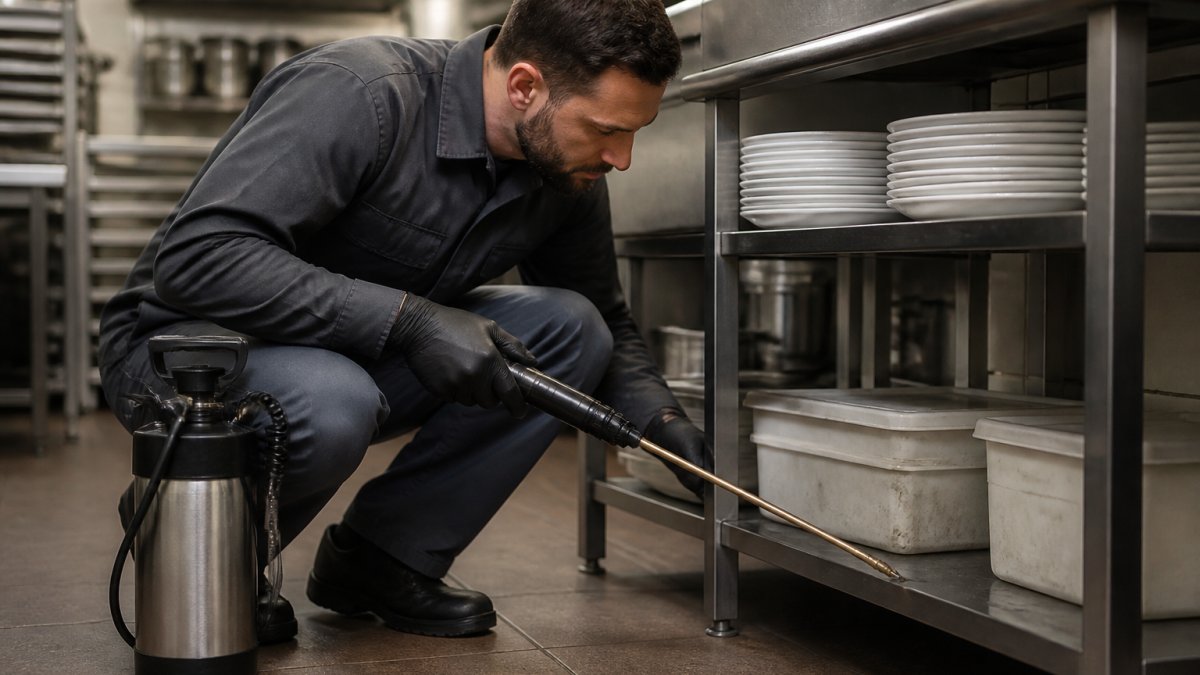
Restaurant pest control compliance documentation records every pest control activity in your establishment: inspections, treatments, monitoring, and corrective steps. Operators focus on keeping pests out but neglect the proof.
That proof matters. The FDA Food Code treats pests as a direct threat to food safety, and inspectors verify control through records.
Building Your Restaurant Pest Control Log
Your restaurant pest control log is the backbone of the system: a running record of pest activity, sightings, and responses. Most logs fail not because staff refuse to write things down but because the format invites vague entries.
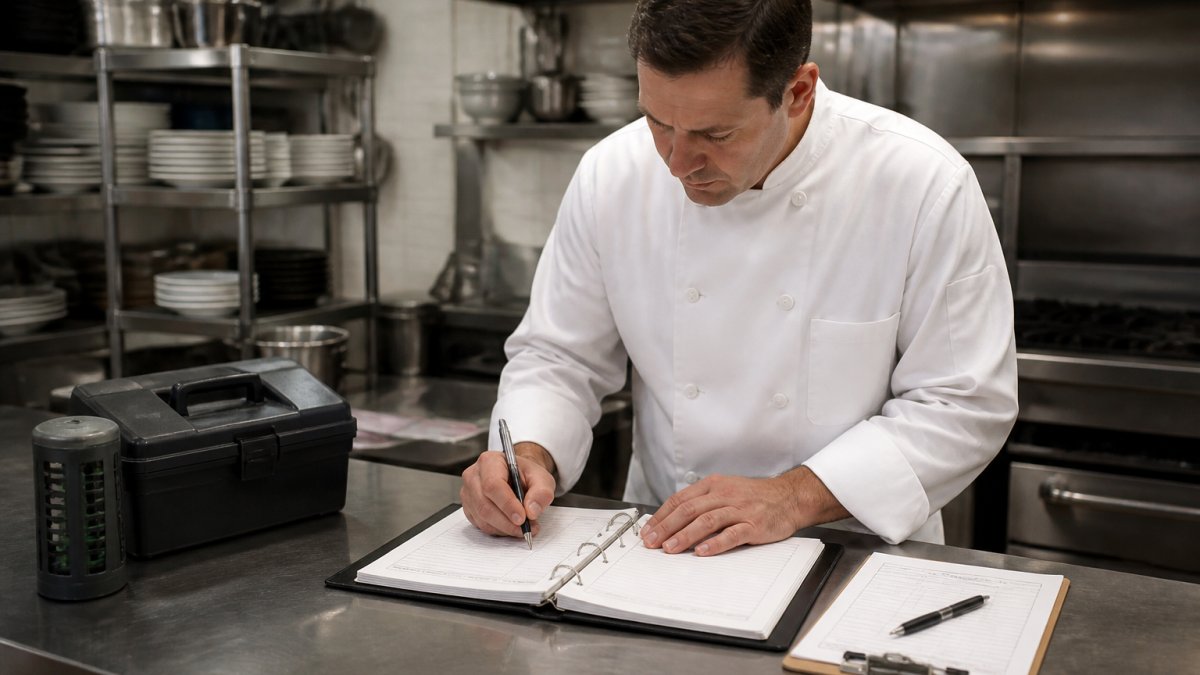
A common mistake is treating the log as a formality filled in the night before an inspection. Inspectors spot backfilled entries: dates that match too neatly, uniform ink, gaps that line up with busy weeks.
Separate Your Logs by Purpose
One binder with everything in it is hard to audit. Most well-run kitchens keep three logs:
- Pest sighting log, completed by any staff member who sees evidence (droppings, gnaw marks, live insects, webbing, grease trails). This is the early-warning record.
- Device check log, completed on a set route by the person responsible for bait stations, traps, and monitors. Records station ID, condition, and activity count.
- Corrective action log, completed by the manager when a sighting or device check triggers a fix. Covered in its own section below.
Keeping them separate lets an inspector pull the sighting log and see response times without wading through device counts.
What Every Log Entry Should Capture
Each entry needs enough detail to stand alone. A reader should understand what happened without asking you.
- Date and time of the observation
- Location, as specific as "dry storage, back left corner, behind the flour bin"
- What you saw, such as droppings, gnaw marks, or live insects
An Annotated Sample Entry
Here is a usable sighting log entry, with notes on why each field matters:
| Field | Sample entry | Why it matters |
|---|---|---|
| Date/time | 03/14, 7:40 a.m. | Establishes the clock for response-time review |
| Location | Dry storage, back left corner, behind flour bin | Lets a technician or inspector find the exact spot |
| Evidence | 6-8 rodent droppings, fresh | "Fresh" signals active activity, not old residue |
| Suspected pest | Mouse (droppings consistent with house mouse) | Guides the corrective action |
| Action | Area cleaned and sanitized; glue board set; maintenance notified of gap under door | Shows immediate response |
| Follow-up | 03/16, no new droppings; glue board empty; door sweep installed | Proves the fix was verified |
| Entered by | J. Rivera (closing manager) | Creates accountability |
A vague version, "saw droppings in dry storage, cleaned up", tells an inspector nothing about whether the problem was resolved. The annotated version answers the four questions every auditor asks: what, where, what did you do, and did it work.
Keep the Format Simple Enough to Use
Keep the log in a binder or a digital system staff can access quickly. A one-page form with the seven fields above, pre-printed with your location names, beats a twenty-field form staff abandon after a week. If you go digital, pick a system that timestamps entries automatically and lets you attach photos, a photo of the gap under the door beats a paragraph describing it.
The Restaurant Pest Control Checklist for Daily and Weekly Checks
A restaurant pest control checklist turns vague "keep an eye out" advice into specific tasks with owners and deadlines. The best checklists are short, repeatable, and split by frequency.
| Frequency | Task | Who Checks | What to Record |
|---|---|---|---|
| Daily | Inspect receiving area and trash room | Closing manager | Sightings, droppings, entry gaps |
| Daily | Check food storage for signs of pests | Prep lead | Location and evidence type |
| Weekly | Review bait stations and traps | Designated staff member | Activity counts, station condition |
| Weekly | Check exterior entry points and seals | Maintenance | Gaps, cracks, damaged screens |
| Monthly | Full walkthrough with pest provider | Manager and technician | Findings and service report |
Daily checks catch problems early. Weekly reviews spot patterns. Monthly walkthroughs connect your internal checks to the professional service report.
The biggest mistake is a checklist so long nobody finishes it.
Reading and Filing the Pest Control Service Report
The pest control service report is the document your provider leaves after each visit, listing what the technician inspected, found, treated, and recommends.
Most operators file it and forget it, wasting the most useful document in your compliance file. Read it the day it arrives and act on the recommendations.
- Confirm the report lists every area the technician inspected
- Check for noted entry points or conditions that need repair
- Verify any treatment is described clearly, including product and location
If a report is vague, ask the provider to be specific.
Running a Pest Control Corrective Action Log
A pest control corrective action log records what you did when something went wrong, the difference between "we had a problem" and "we found a problem, fixed it, and confirmed the fix."
Every corrective action entry should answer four questions:
- What was the problem?
- What caused it?
- What did you do about it?
Say a technician finds rodent droppings near a loading dock.
This log does double duty: it shows an inspector you respond to problems, and it gives your team a memory.
Watch out: skipping the follow-up entry is the most common failure. A corrective action without a verified result looks incomplete to an auditor.
Tying Documentation to HACCP, Health Codes, and Audit Readiness
Pest control records are not a standalone file. They connect to your broader food safety system.
Under HACCP principles, pest control is a preventive measure and often a monitoring point.
Health codes add another layer.
This is where jurisdiction matters most. The FDA Food Code is a useful national reference, but your local code is what an inspector enforces.
Audit readiness comes down to one habit: keep records current and organized so any document can be produced on request.
How Long to Keep Records and Who Owns Them
Retention rules vary by jurisdiction, so confirm the exact period with your local health authority. Here is a practical framework that works in most U.S. jurisdictions and that you can adjust once you have confirmed your local rule.
A Practical Retention Framework
| Record type | Suggested minimum | Why |
|---|---|---|
| Pest sighting log | 2 years | Covers the typical inspection lookback window |
| Device check log | 2 years | Shows monitoring was continuous, not sporadic |
| Service reports | 2 years, or length of contract plus 1 year | Proves your provider was performing |
| Corrective action log | 2 years, longer for serious incidents | Serious incidents may be reviewed years later |
| Chemical application records | Per product label and local rule; 2 years as a floor | Tied to applicator licensing and SDS requirements |
| Training records for staff who monitor | Duration of employment plus 1 year | Shows the person doing checks was trained |
Two years is a common floor, not a ceiling. If your local health department specifies longer, follow that. If you operate in multiple jurisdictions, adopt the longest applicable period so one file works everywhere.
Who Owns Each Record
Ownership is not the same as possession. The provider possesses the service report; you own the compliance obligation. Assign a named owner for each record type:
- Sighting log, the closing manager on each shift, with the general manager as backup
- Device check log, a designated staff member on a set route, verified weekly by the manager
- Service reports, the manager who receives the technician, reviewed and initialed the same day
Shared ownership usually means no ownership. One name per record, with a named backup, is the pattern that survives staff turnover.
Set a Review Cadence That Catches Gaps
Records that are never reviewed are never trusted. A workable cadence:
- Daily, new sighting entries reviewed by the closing manager before shift end
- Weekly, device check log reviewed for activity patterns; service report initialed
- Monthly, corrective action log reviewed for open items; any item open more than 30 days escalated
Paper vs. Digital: What an Audit Trail Buys You
Paper is simple and familiar, but it has two weaknesses: it can be backfilled, and it cannot prove when an entry was made. Digital systems solve both if you choose one with the right features:
- Automatic timestamps on every entry, not editable after submission
- Attachments so a photo of a gap or a droppings trail lives with the entry
- Permissions so staff can add entries but not delete or edit past ones
A digital system without those features is just a paper log on a screen. The audit trail, timestamps, attachments, permissions, change history, is the whole point. If you stay on paper, use bound notebooks or pre-numbered forms so missing pages are obvious, and never use correction fluid; strike through, initial, and date instead.
Setting Up Your Documentation System with Ekoterra
You do not need a complex system to get this right. You need consistent records, a clear owner, and a provider who documents thoroughly.
At Ekoterra Gopher Pest and Wildlife Control, we build pest management around eco-friendly methods and guaranteed results for commercial properties. If you are ready to see how a documented program works in practice, you can contact us for a quote.
You can also review our local service coverage to confirm we serve your area before you commit.
Start with the log, the checklist, and the service report. Add the corrective action log as issues come up.
Frequently Asked Questions
What pest control records should a restaurant keep?
A complete set includes your restaurant pest control log of daily and weekly checks, a restaurant pest control checklist with dates and initials, every pest control service report from your provider, a pest control corrective action log, treatment and pesticide application records, safety data sheets for any chemicals used, staff training sign-offs, and monitoring device maps. Store them together so an inspector can review the full history in one sitting rather than hunting across departments.
How long should a restaurant keep pest control records?
Retention rules vary by state and local health department, so confirm the requirement with your local regulator. Many operators keep pest control records for at least one year, and two years is a common internal standard because it covers multiple inspection cycles and any follow-up visits. Digital records make long retention cheap, so keeping two years of service reports, corrective actions, and monitoring logs is a practical default.
What should a restaurant do after finding evidence of pests?
Record what you found, where, and when in your restaurant pest control log, then open an entry in the pest control corrective action log. Remove or protect the affected food, clean and sanitize the area, and contact your provider for a service visit. After treatment, document the fix, the date, and who verified it. A closed corrective action with a follow-up date shows inspectors you respond to problems rather than ignore them.
How often should a restaurant document pest inspections and pest control service?
Daily checks cover food storage areas, waste rooms, and entry points, while a fuller restaurant pest control checklist works well weekly. Professional pest control service typically runs monthly, with more frequent visits during an active issue. Log every visit in your service report file and note the next scheduled date. Consistent frequency matters more than volume: inspectors look for a steady, unbroken record, not a burst of entries before an audit.
A clean pest control file protects your business as much as a clean kitchen does. If your current records are thin, or you want a provider who treats documentation as part of the job, Ekoterra Gopher Pest and Wildlife Control can help. Our eco-friendly treatments, guaranteed results, and detailed service reporting keep your establishment inspection-ready. Get started with Ekoterra Gopher Pest and Wildlife Control and turn your pest control records into a source of confidence.
